
Network Router
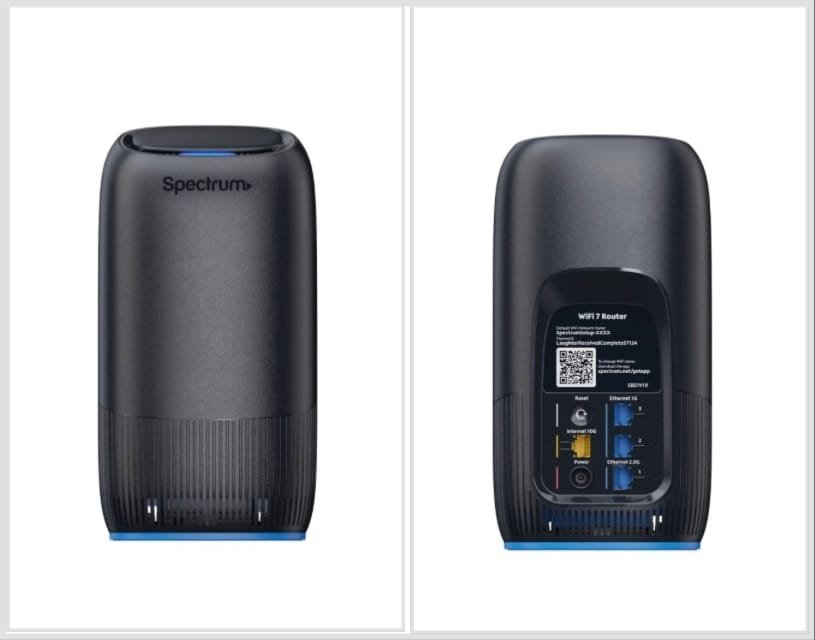
Understanding Router Lights
Our router uses lights to indicate its various functions. These lights can tell you if your modem is powered on, connected to the internet or transmitting data.
Keep in mind that your router lights cycle during rebooting. Therefore, it’s best to wait until you’re sure the modem is finished powering on before checking the status lights.
Router Light Labels
The lights and labels vary depending on your modem. The following tables include labels from many different modems.
Solid Blue – Connected to the Internet.
Blinking or Pulsing Blue – Establishing the Internet connection.
Blinking or Pulsing Red – Disconnected from the Internet.
Before Unplugging or Rebooting any of our devices:
Please send us a message with detailed information on what is not working.
We can remotely reboot the entire system to get it back on-line. If we need your assistance to physically reboot any device we will let know.
If you don’t hear from us within 15 minutes, please call 208-610-2358